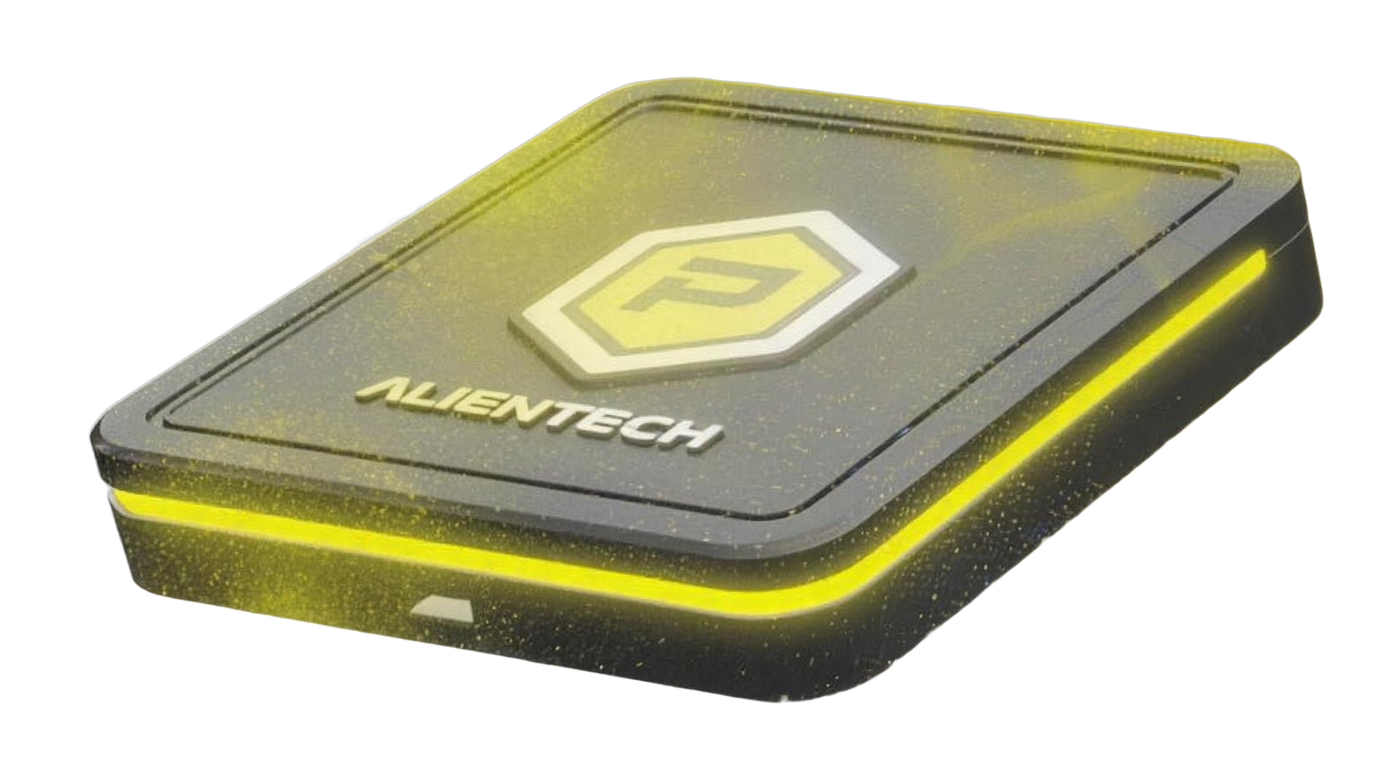
Pick the file. Flash it in the driveway.

The Powergate plugs into the OBD port and pairs with your phone. Your Stevenson files wait in the app. Choose one, press write, and the stock file stays saved for whenever you want it back.

The files on a 2.0 TDI Powergate

Your stock file is saved the first time the Powergate reads the ECU. Write it back any time, before a dealer visit or if you sell the car.

Needs: Nothing. It is always there.

From the box to the first flash

Four steps, all from your phone.

  1. 01Download the app

    Powergate runs on iPhone, Android and Huawei phones. Links are just below.

  2. 02Register it to yourself

    Create your Alien ID in the app and pair the device. The owner has to do this step, not the shop that sold it.

  3. 03Put it on Wi-Fi

    The Powergate needs a steady Wi-Fi connection while it sets up. Your phone's hotspot works fine in the driveway.

  4. 04Read, pick, write

    Read the ECU once, choose a file, press write. The stock file is saved automatically. Support is a tap away inside the app.

Get the Powergate app

Pick your phone.

iPhone and iPad

iOS

From the App Store.

Download for iPhone

Android phones

Android

From Google Play.

Download for Android

Huawei phones

EMUI

Direct download for Huawei.

Download for Huawei

Shop owners: do not register the Powergate to yourself. The customer has to register it. Missing a tune file? Email jeff@stevensontuning.com with the number on the back of the Powergate and your order number.

Questions owners ask before they flash

Anything else, send your year, engine code and what you want from the car to the shop.

Ask a question
Do I need a laptop or a shop visit?

No. The Powergate and your phone do everything. Plug it into the OBD port, open the app, choose the file, press write.

Can I go back to stock?

Yes. The first read saves your original file on the device. Write it back any time, as many times as you like.

Which file should I start with?

On a stock car, Stage 1. If you have one of our exhaust kits, Stage 2. If the car is deleted and you mostly want your mileage back, Eco. Not sure? Email the shop with your year and engine code.

My file is not showing in the app

Email jeff@stevensontuning.com with the number on the back of the Powergate and your order number. Files are written in house, so give it a business day.

Does it stay plugged in?

No. Flash the file, unplug, put it in the glovebox. You only need it again to switch files.

Is this legal for the street?

Every tune file is sold for off-road use only. You take on the responsibility for how the car is used.

Still on the original Powergate 3?

The old instructions and desktop software live here.

Powergate V3+

Instructions

Original Powergate 3 setup instructions.

Download

Powergate V3+

User software

Desktop user software for the original Powergate 3.

Download